At this point “I lightly fixed this photo with AI” is as normal as using portrait mode. You brightened a dim restaurant shot, cleaned a stranger out of the background, restored the one good photo from 2019. The picture looks like you on a good day — fine. What most people don’t know is that the file remembers how the sausage was made, and it will happily tell anyone who asks: the platform, and occasionally the person deciding whether to swipe.
What your photo carries besides your face
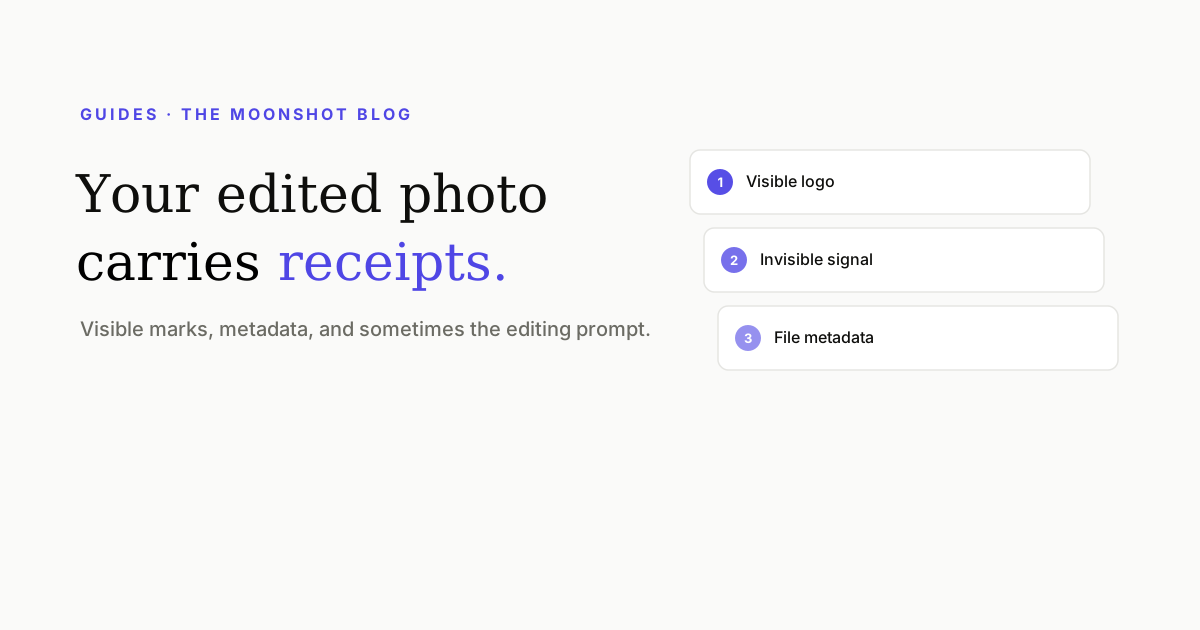
An AI-touched image can be marked in three places at once. We took the full technical tour in AI Image Watermarks Have Three Layers; here’s the dating-profile version:
- The corner sparkle. Gemini stamps a four-point star into the pixels of every image it edits; Samsung Galaxy AI writes “✦ generated with AI” on some outputs. These survive upload, compression, and filters, because they are pixels. People zoom on profile photos. It’s the first thing a suspicious match screenshots into the group chat.
- Provenance metadata. Editing tools now write receipts automatically: C2PA Content Credentials (a signed manifest of what tool touched the image), EXIF/XMP fields naming the generator, and the IPTC
digitalSourceTypeflag that literally means “algorithmic media.” This is the layer platforms check when they decide to pin an AI label on your photo. - Your actual prompt. The sleeper, and the one that should bother you. Some tools embed generation parameters in the file — local workflows embed everything, prompt included. There is a real category of file on the internet whose metadata says things like “smooth skin, brighten teeth, make jawline sharper.” That’s not an AI disclosure problem; that’s a diary leak.
Who actually reads this stuff
More parties than you’d think, and the list grows every quarter:
- The platforms. Major apps are adopting C2PA reading and AI-image labeling — the infrastructure Meta built for “Made with AI” tags is the template. A label you didn’t expect, on a photo that’s genuinely you, reads worse than the edit ever did.
- Anyone with a file inspector. Metadata viewers are free browser tools. If someone can download or drag your image, they can read its EXIF in ten seconds. On most dating apps direct download isn’t possible — but the same photo on your Instagram or LinkedIn often is, and people cross-reference.
- The zoomers. Not the generation — the behavior. Every profile photo gets the pinch-zoom treatment eventually. The sparkle doesn’t need software to be found.
The honest part: polish versus fiction
Let’s draw the line clearly, because a tool like ours only deserves to exist on one side of it.
Fixing lighting, removing a photobomber, sharpening a blurry scan, cleaning a watermark off a photo of you — that’s grooming. It’s the same category as ironing your shirt for the photo. The person who shows up to the date is the person in the picture. Nobody has ever been catfished by exposure correction.
Editing your face into a different face — or generating one from scratch — is a different act, and it fails on its own terms. The apps run video-selfie verification precisely to catch it, and even when it slips through, the scheme has a built-in collapse: the first real-world meeting. If a photo needs its watermark removed so that a fiction holds up, the watermark was never the problem.
The 60-second pre-upload check
- Zoom the corners. Bottom-right first — that’s where Gemini puts the sparkle. If it’s there, don’t crop it off (you lose the composition); lift it properly.
- Read your own metadata. Drag the photo into any EXIF viewer. If you see a generator name,
digitalSourceType, Content Credentials, or — heaven help you — prompt text, strip it. - Keep the original. Archive the untouched file. If a platform ever challenges your photo, the original is your receipt.
- Ask the mirror question. Would the person meeting you for coffee recognize you from this photo across the room? If yes, ship it. If no, the file isn’t what needs editing.
The first two steps are exactly what our free image cleaner does in bulk: visible marks lifted via alpha-reversal (the pixels underneath are recovered, not hallucinated), and provenance metadata stripped while your copyright fields stay intact. It runs privately and deletes your uploads after processing — which, for photos headed to a dating profile, is not a small detail.
Quick answers
Can dating apps tell if my photo is AI-edited?
Increasingly, yes — through three routes: visible marks like the Gemini sparkle, provenance metadata (C2PA Content Credentials and IPTC digitalSourceType fields that editing tools write automatically), and their own image classifiers. The metadata route is the most reliable for them and the least known to users.
Does the Gemini sparkle watermark show up on a dating profile?
If it's in the file, it's on your profile. The sparkle is baked into the corner pixels, survives upload compression, and is exactly the kind of detail people notice when they zoom. Cropping it out costs composition; a proper removal pass recovers the pixels underneath instead.
Is it okay to use AI-edited photos on dating apps?
Cleaning up lighting, an old scan, or a busy background on a real photo of you is the digital version of grooming — normal. The line is representational: edits that change what you actually look like set up a first meeting to fail, and profile verification (video selfies) is built to catch generated faces. Polish the photo, not the face.
Does my photo really contain my editing prompt?
Sometimes, yes. Several AI tools write generation parameters into the file — and local tools like ComfyUI embed the full workflow including prompt text in PNG chunks. If you typed 'slim the face, fix the hairline,' that string can be sitting in the file you uploaded. A metadata strip removes it without touching the image.
Check your photos before the apps do
Drop in your profile pictures — visible AI marks and metadata come off free, in your browser, and uploads are auto-deleted after processing.
Clean my photos